4.1. Using the GUI
You can use the FailSafe Manager graphical user interface (GUI) to define a new resource type and to define the dependencies for a given type. For details about the GUI, see the Linux FailSafe Administrator's Guide. For convenience, Appendix A, contains information about starting the GUI.
4.1.1. Define a New Resource Type
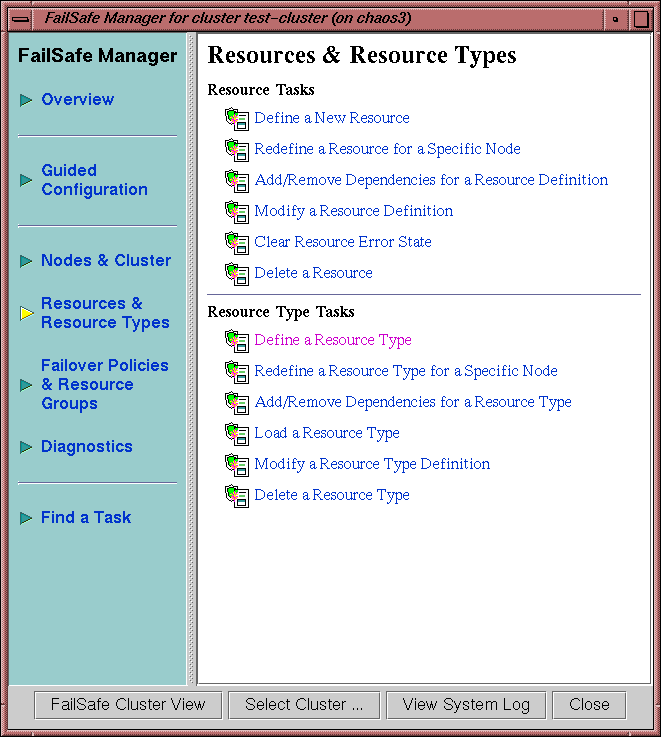
To define a new resource type using the GUI, select the following task:
Resources & Resource Types => Define a Resource Type |
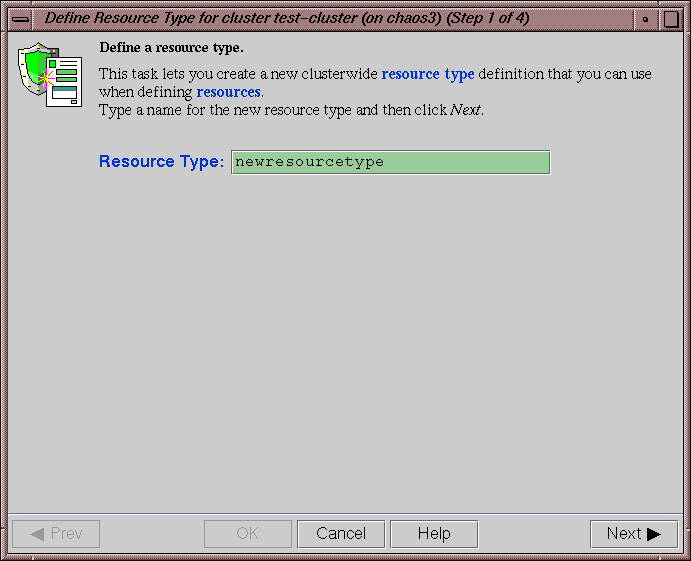
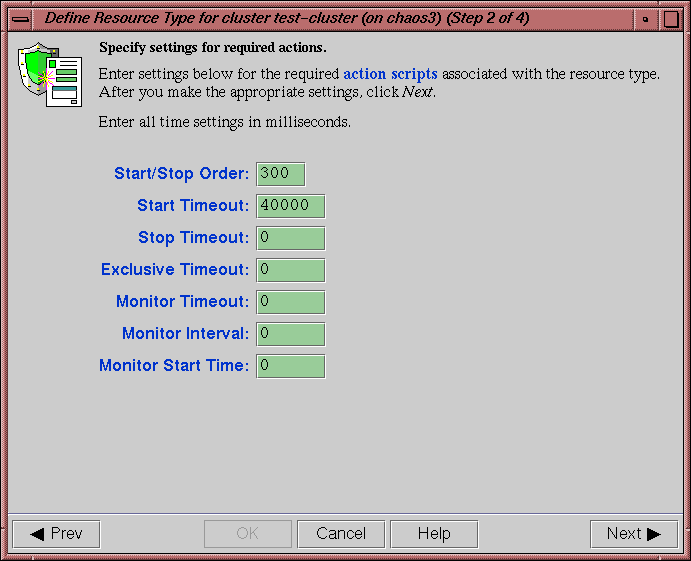
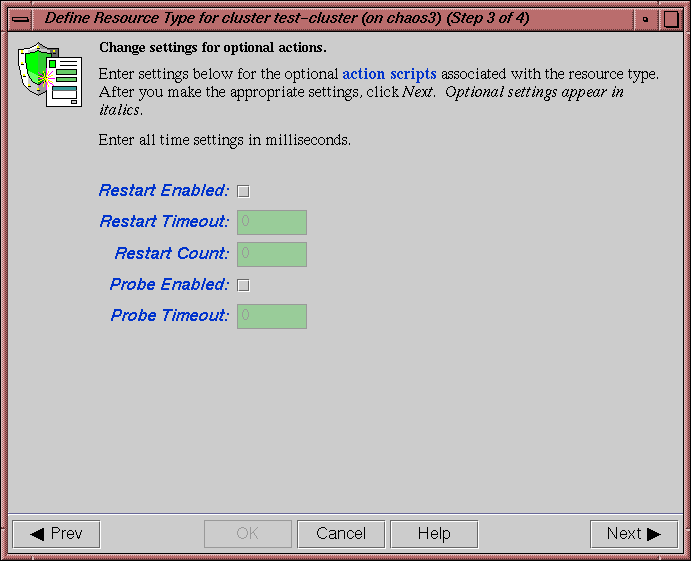
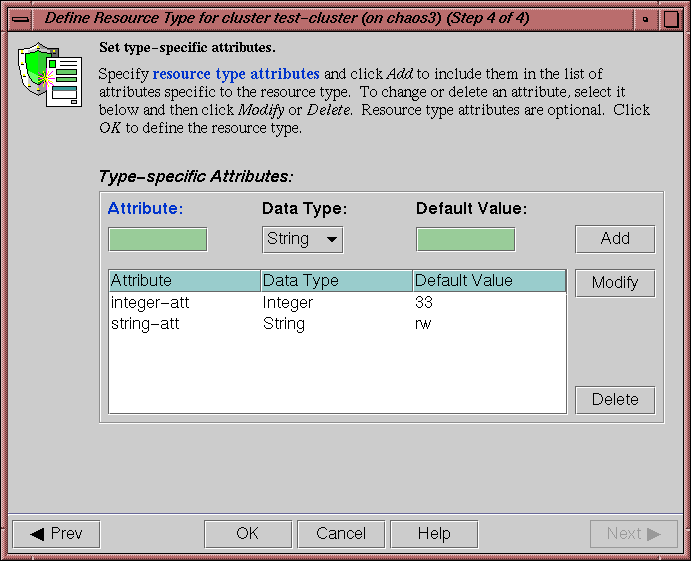
The GUI will prompt you for required and optional information. Online help is provided for each item.
The following figures show this process for a new resource type called newresourcetype.
4.1.2. Define Dependencies
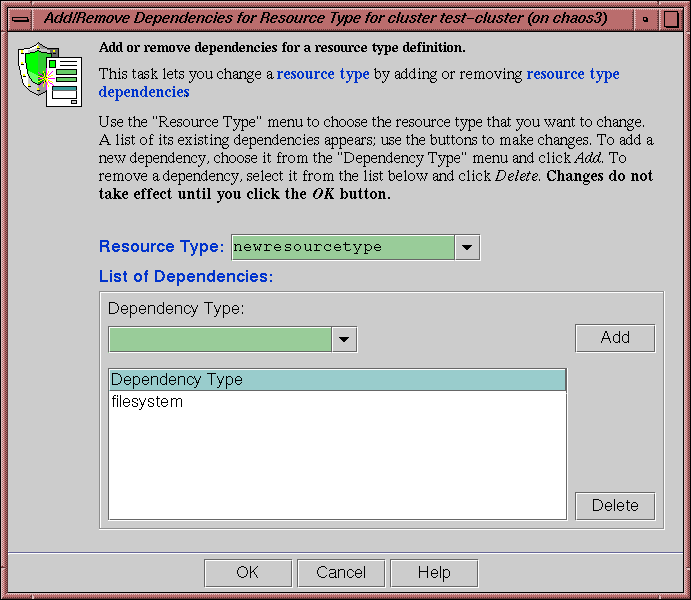
To define the dependencies for a given type use the following task:
Add/Remove Dependencies for a Resource Type |
Figure 4-6 shows an example of adding two dependencies (filesystem and NFS) to the newresourcetype resource type.