Appendix A. Starting the FailSafe Manager
To start the FailSafe Manager, use one of these methods:
On a system with sysadm_failsafe2-client and KDE or GNOME installed, choose "FailSafe Manager" from the Applications menu. (After installing sysadm_failsafe2-client, you may need to restart the desktop's launch bar before the Failsafe Manager will show up in the Applications menu. (To do this in KDE, right-click on the panel and select Restart from the menu.)
On a system with sysadm_failsafe2-client installed, enter the following command line:
$ /usr/bin/fstask
In your web browser, enter the following, where server is the name of the node in the pool or cluster that you want to administer:
http://server/FailSafeManager/
At the resulting Web page, click on the icon. The server must have sysadm_failsafe2-web installed.
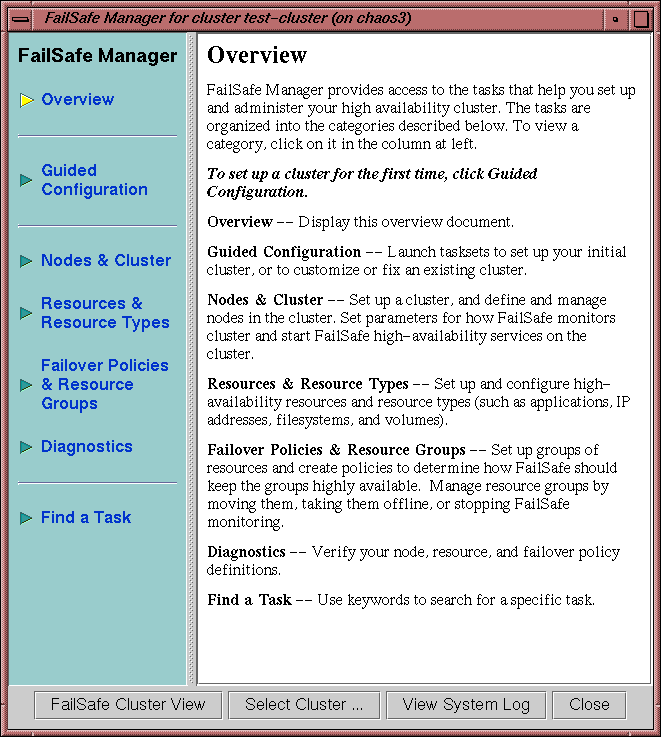
Figure A-1, shows the FailSafe Manager.